FOR CURSOR, VIA MCP OR RAW OPENAPI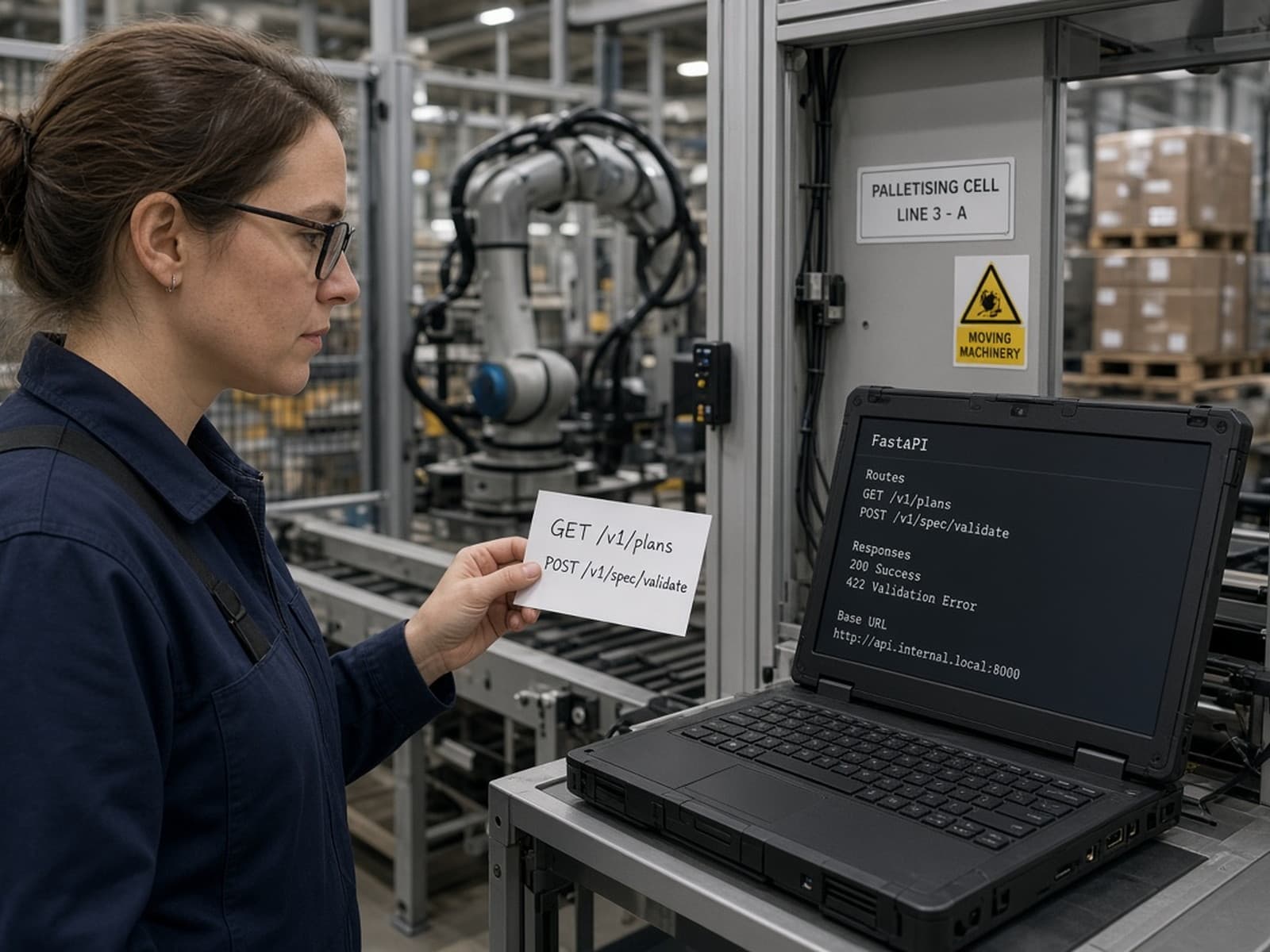
Point Cursor at the Assurance API
assurance-mcp installs as a real MCP server Cursor can call directly — no plugin to write. Prefer plain HTTP instead? openapi.json is a real, generated OpenAPI 3 schema most agent tooling can read on its own.

No live base URL yetThis marketing site was built without a live API URL. The steps below are real and will work against your own local run (uvicorn assurance.api.service:app) today.
Recommended: MCP
assurance-mcp, in Cursor's own config
- Install the server.
pip install -e '.[assurance-mcp]'
- Add it to Cursor's
mcp.json(Cursor Settings → MCP):{ "mcpServers": { "assurance": { "command": "assurance-mcp", "env": { "ASSURANCE_API_URL": "http://127.0.0.1:8000", "ASSURANCE_API_KEY": "" } } } } - Ask Cursor to call
plansorspec_validatefirst — both work with an emptyASSURANCE_API_KEY. See the full tool table for what else ships and what's next.
Want the /ai control plane instead of the Article 14 register — discover a connection, read it, propose and approve a write? That's a separate package, neuralbridge-ai-mcp, same mcp.json pattern — see the neuralbridge-ai-mcp section.
Alternative: raw OpenAPI
For tools that read a schema directly
- Run the API locally, or use a deployment.
pip install -e '.[assurance-api]'
uvicorn assurance.api.service:app
- Point Cursor's OpenAPI/tool config at the schema. In Cursor's settings for custom tools or an OpenAPI-backed connector, use:
http://localhost:8000/openapi.json
- Call a free route with no key first.
POST /v1/spec/validate,POST /v1/machine/separation, and every route marked free in the route table need nothing but a request body.
Paid routes want X-API-Key — get one from POST /v1/checkout once billing is live, or run locally with ASSURANCE_ALLOW_UNAUTHENTICATED=1 for evaluation. A tool call on the wrong plan gets a structured 402, never a bare 403 — see the worked example.
Rather wire an MCP-native agent?
Same routes, laid out as an MCP tool table.